Share a code or link
Read out a 6-character code, or send a link by SMS, email, or QR. Whatever's already in your hand.
Send a 6-character code or a link, and your user shares their camera, screen, or files in one tap, or hands you the controls. For a live camera, there's nothing to install at all.
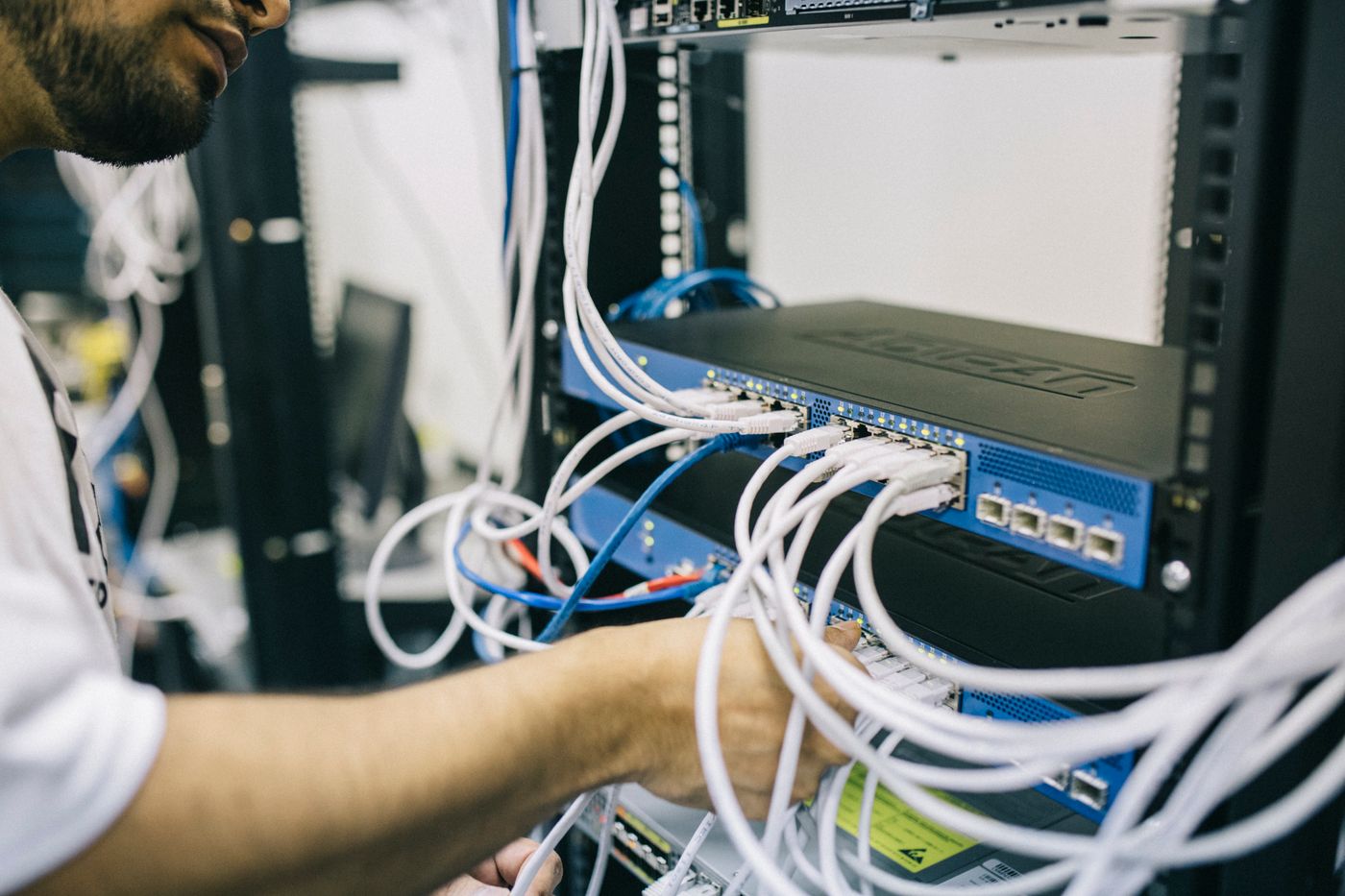
Every technician knows the feeling. If you could just see the screen, the port, the error, the blinking light, you'd fix it in thirty seconds. So we made seeing the whole product.
From "I can't describe it" to "I can see it" in under a minute.
Read out a 6-character code, or send a link by SMS, email, or QR. Whatever's already in your hand.
It opens right in their browser. One tap to allow the camera, nothing to install, no account to create.
Live on your console. Draw on their screen, freeze a frame, flip on their flashlight, zoom into the detail.
Scroll through every kind of session you can start from the same console and the same simple code.
Straight from the browser. Draw, freeze, flashlight, and zoom, all from your side. Nothing to install, live in about ten seconds.
A phone's whole screen through the native app, or a computer screen from the browser. Perfect for apps, settings, and on-screen errors.

With permission, drive the keyboard and mouse yourself, or leave an unattended agent in place and connect any time. Sessions can be recorded and encrypted for compliance.
Password-protected, end-to-end encrypted file transfer, one-time burn-on-read secrets, and agent-driven log collection, all from the same session with a full trail.

Loop in a colleague or a second site on the same code. Watch every camera at once and control each one independently.
Scroll to explore →
Purpose-built for the moment a technician needs eyes on a problem.
Circle the right button or port. They can draw back to point things out to you.
Pause on the exact moment to read a serial number or study the detail together.
Light up a dark server closet and zoom into fine print, all from your side.
Loop in a colleague or a second site. Watch every camera at once and control each independently.
Grab a photo straight to the ticket, and record control sessions for compliance.
Smart NAT traversal with TURN relay keeps the stream alive on locked-down networks.
The first guest connects instantly; any extra guests wait for your one-tap OK.
Dial the stream up for fine detail or down for a weak signal, mid-session.
Enroll an always-on agent on a machine and connect on demand, with nobody there to let you in. Built for fleets, kiosks, and field kit.
Your logo, colors, and even your own domain or subdomain on the page users see, plus a separate mark for your team's console.
Sixty seconds from a code to a fix. No edits, no smoke and mirrors.
The oversight security and IT leaders actually ask about, built in from day one.
Enforce TOTP 2FA across the whole workspace or per technician.
Over 20 permissions, per session type and per technician: who can launch what, view or join others' sessions, and manage the team.
Every session, invite, and admin action recorded, filterable, and searchable.
Codes time out and abandoned sessions self-close, so nothing is left running.
Remote-control sessions record with envelope encryption and pause themselves when idle, so nothing sensitive is missed or wasted.
Send recordings and large files to your own S3 bucket, AWS, Wasabi, or Cloudflare R2, in the region you choose.
The barrier was never the industry, it was the friction. A code and a tap is all it takes.
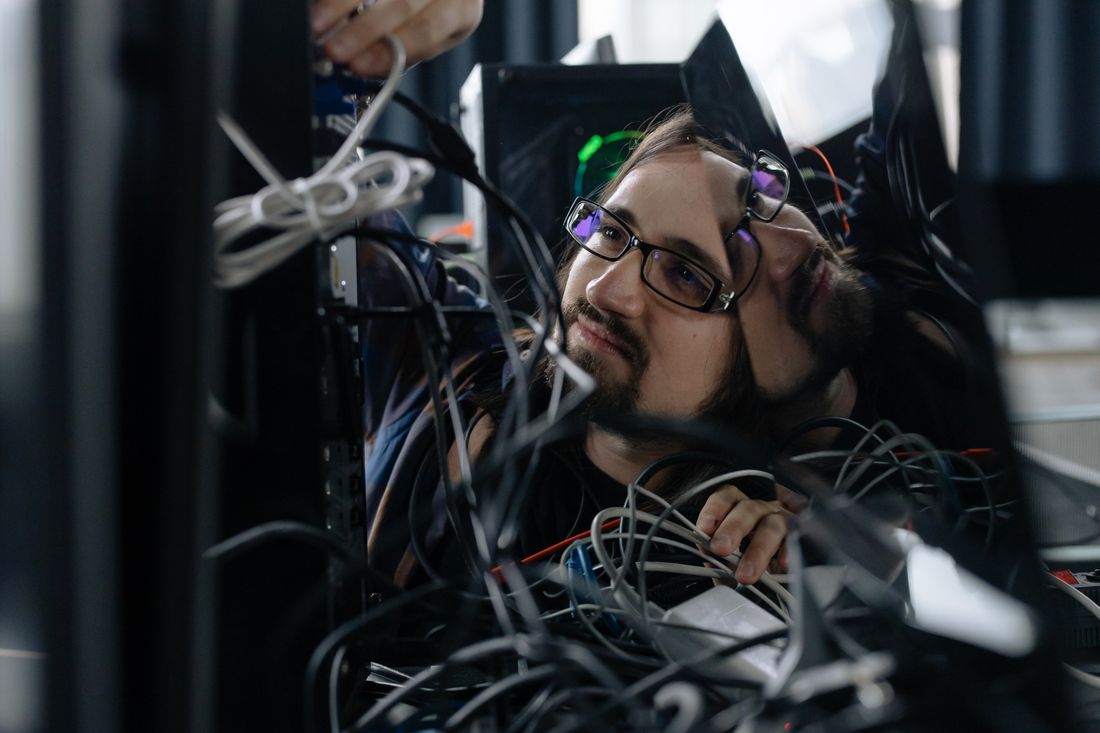
See the error, the port, the blinking light. Fix it on the first call.
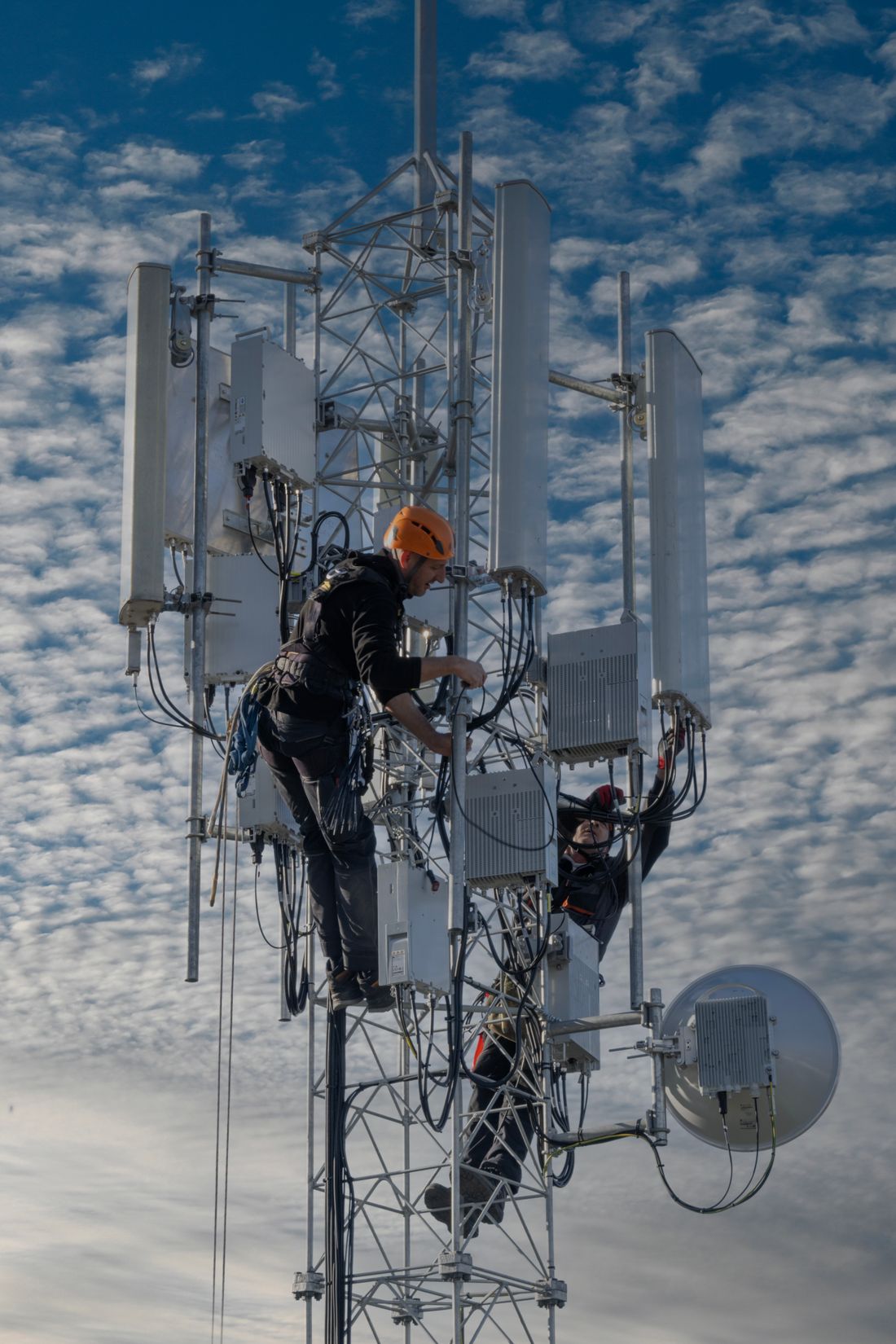
Walk customers through modem, router, and cabling while you watch.
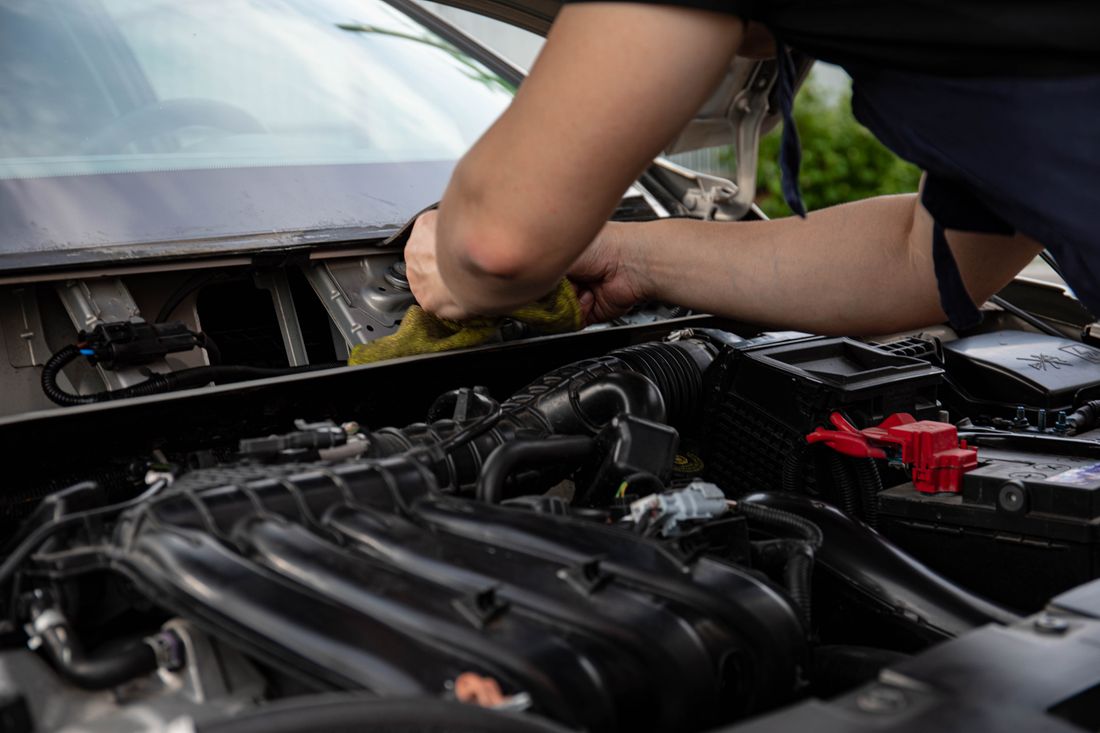
Diagnose a breakdown before anyone drives out with the wrong part.
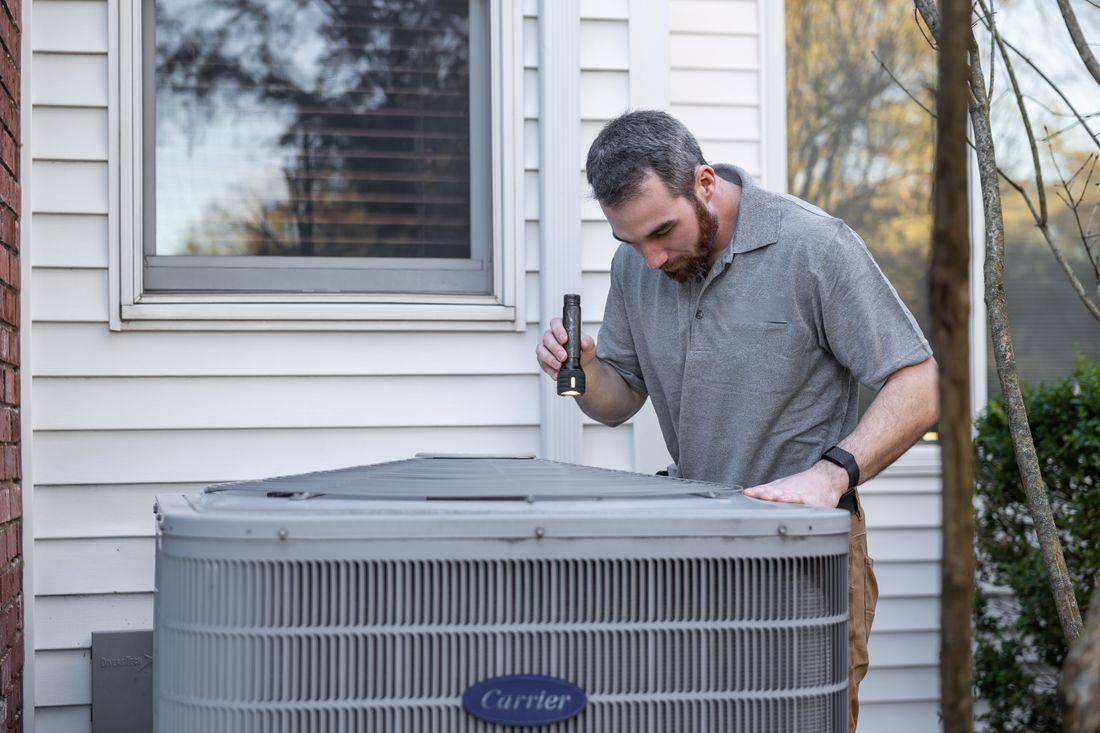
Triage before you dispatch and talk customers through simple fixes.

Run remote damage inspections in minutes instead of site visits.

Tour a unit or document a maintenance issue without a trip across town.
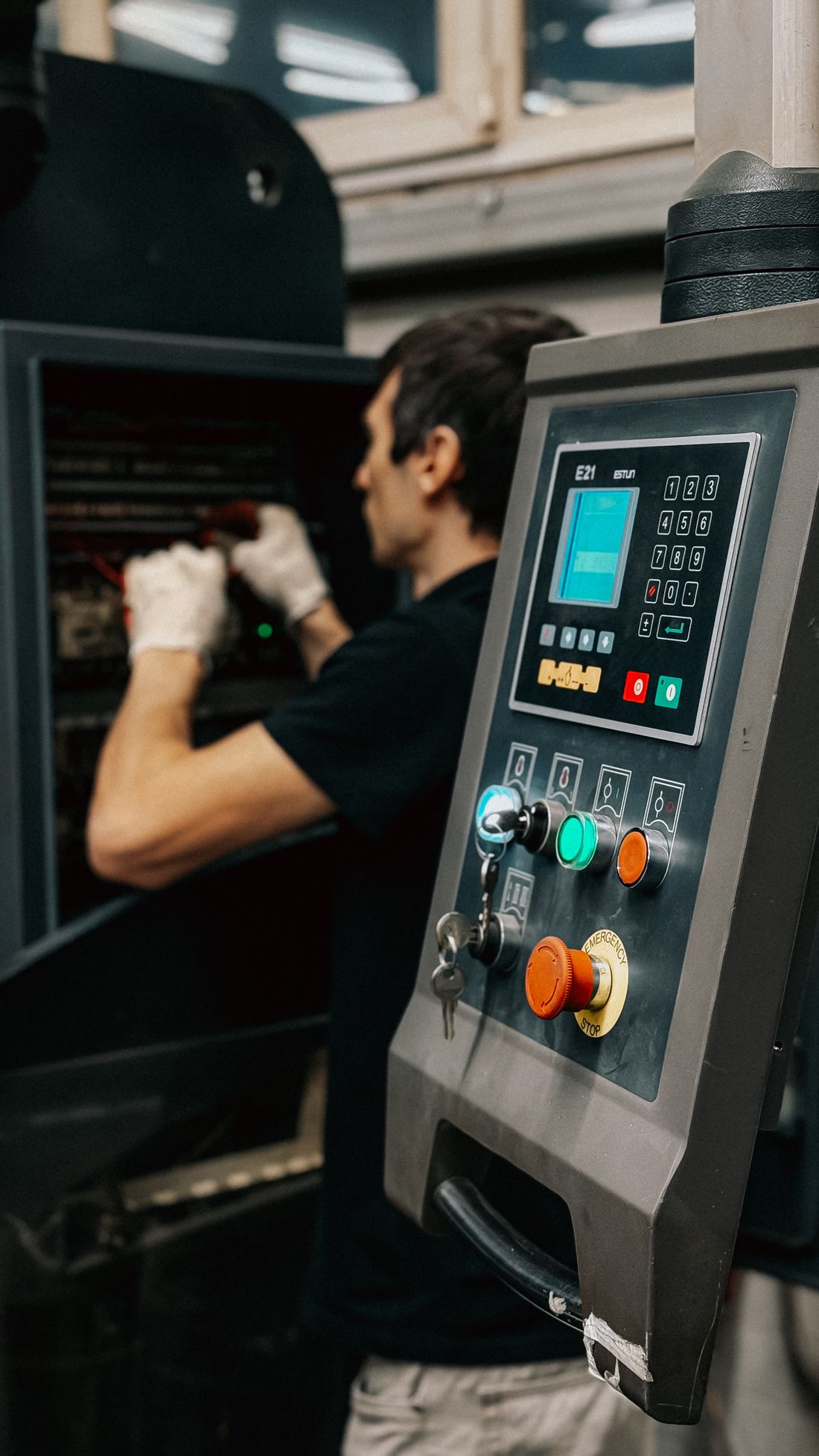
Inspect parts, guide assembly, and run supplier audits from anywhere.

Guide field crews through installs and inspections, safely from the ground.
Also a natural fit for field service, healthcare devices, construction, logistics, education, agriculture, and more.
Spin up a session in seconds. Your users will be sharing their camera before they'd have finished downloading anyone else's app.